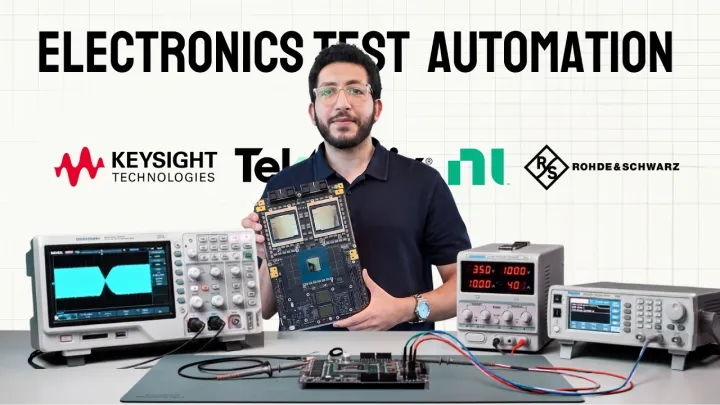
 Watch insteadIntroducing TestFlow | Electronics Test Automation in minutes1:47
Getting started
What TestFlow is
TestFlow turns a plain-English description of a bench test into a running automation on your own instruments. You describe the test, TestFlow builds the sequence, generates the Python, and executes it over VISA.
Post-silicon validation is mostly the same three jobs, repeated: set something up on the bench, sweep it, and write down what happened. Almost all of that work is currently done in hand-written scripts and spreadsheets that only their author understands, which is why a board bring-up that should take a day takes a fortnight.
TestFlow replaces the scripting step. You tell it what instruments you have and what test you want. It builds a readable, editable sequence of steps, compiles that sequence into a standalone Python package, runs it on your hardware, and returns measured data with a verdict against the limits you stated.
The four things you do


- 1
Tell TestFlow what is on your bench
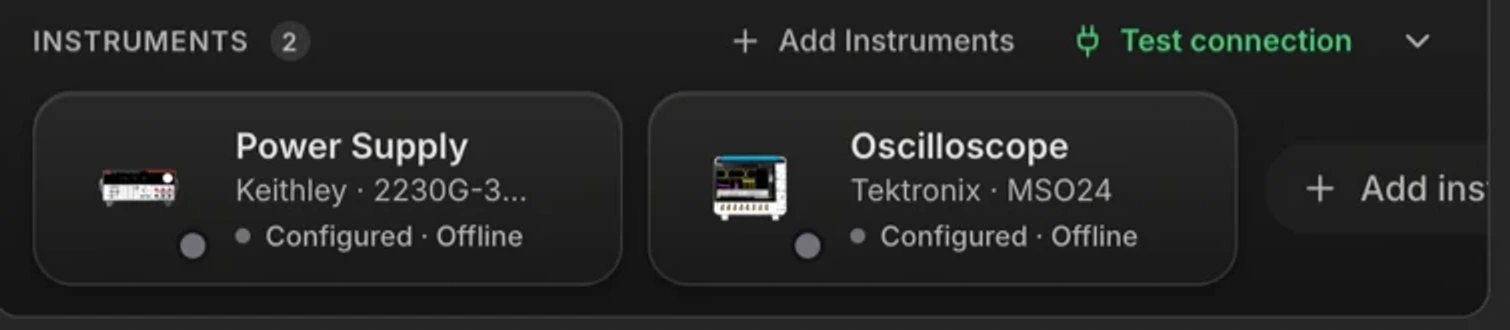
Add each instrument by manufacturer and model and give it a VISA address. TestFlow only builds with commands that exist for the exact models you configured, so a Keithley 2200 gets Keithley syntax and a Keysight E36313A gets Keysight syntax. - 2
Describe the test in plain English
One or two sentences is usually enough. Attach a datasheet and TestFlow will read the electrical characteristics table and use the real limits from it. - 3
Read the workflow it built
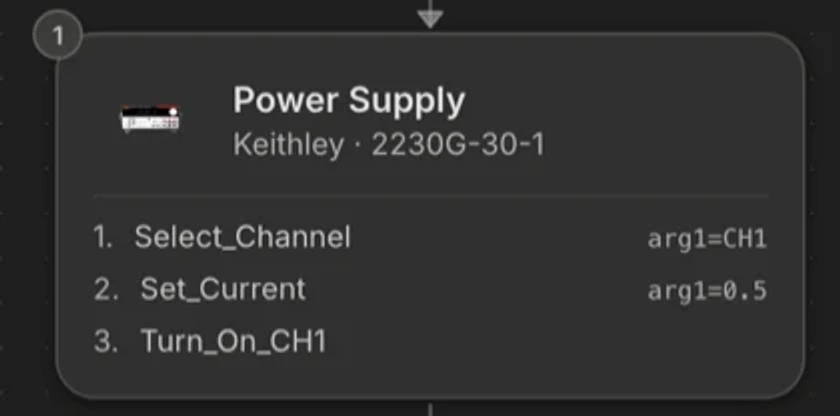
The result is a sequence of named steps, not a wall of code: set-points, sweeps, settling delays, measurements, and the acceptance limit on each measurement. Change anything you disagree with, by asking or by hand. - 4
Run it
Simulate in the browser to check the shape of the sequence, then run it on the real bench through the desktop app. Every run produces measured rows, a pass or fail per reading, and an exportable report.
What is in the box
The agent
Preview
Code
Plans
Report
Schematic
Executor
The bench
Who it is for
TestFlow is built for the people who own bring-up and characterisation: validation engineers, system application engineers, and hardware R&D leads at fabless semiconductor companies and at the module and board level. If your day involves a scope, a supply, a DMM, and a deadline, you are the user.
You do not need to write Python to use it, and you do not need to give up Python to use it. The generated package is a normal Python application on your machine.