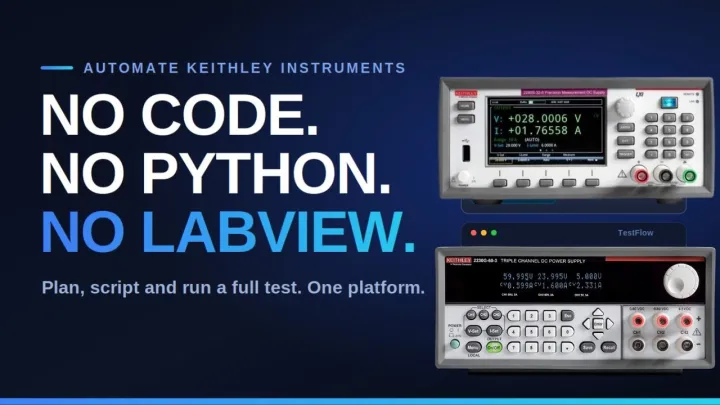
 Watch insteadKeithley automation without code no python no LabView7:28
Bench & instruments
Connect your instruments
Your bench is the constraint everything else is built against. Getting it right is the highest-leverage five minutes in TestFlow.
TestFlow builds only with commands that exist for the exact models you configure. That is why a correct bench produces a correct workflow and a vague bench produces a vague one.
 12345
12345- 1How many instruments are on this bench.
- 2Add Instruments opens the catalog: category, type, manufacturer, model.
- 3Test connection opens each instrument and asks it to identify itself.
- 4Collapse, when you need the height back for the pane above.
- 5One card per instrument, carrying its type, its manufacturer and model, and its connection status.
Adding one
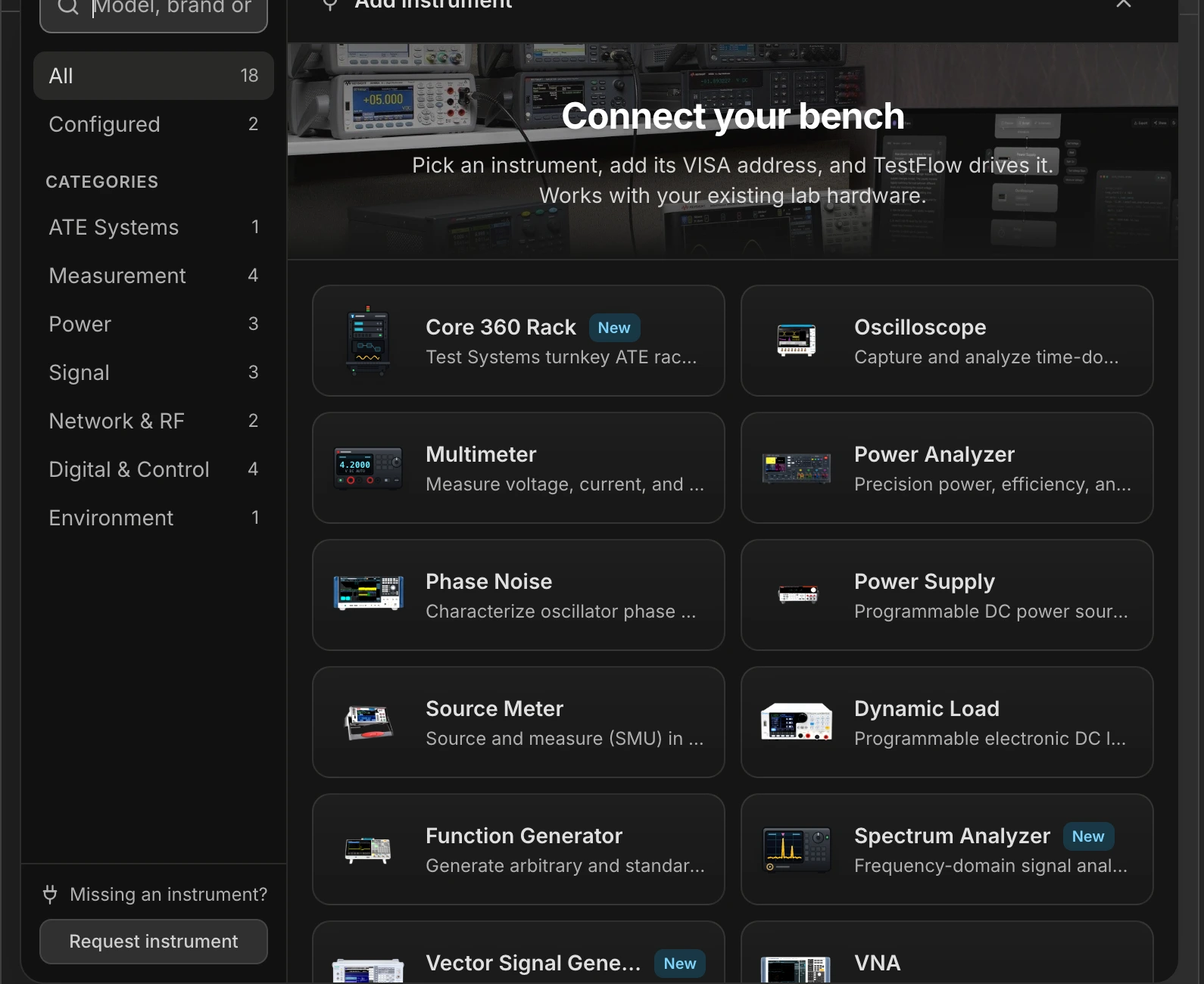

- 1
Open the dock and press Add Instruments
The dock is the strip along the bottom of the artifact pane. It is there in every pane, so you never have to leave what you are doing. - 2
Pick the category, then the type
Seven categories: ATE Systems, Measurement, Power, Signal, Network & RF, Digital & Control, Environment. Each holds the instrument types that belong to it. - 3
Pick the manufacturer, then the model
Cascading fields, filtered to the manufacturers TestFlow actually supports for that type. The model list is the one that has a command catalog behind it. - 4
Set the VISA address
Type it, or press Scan in the desktop app to list what is on the bus and pick from the results. See VISA addressing. - 5
Test the connection
One click opens the instrument, asks it to identify itself, and marks the card Connected. Not required to build, required to run.
Connection status
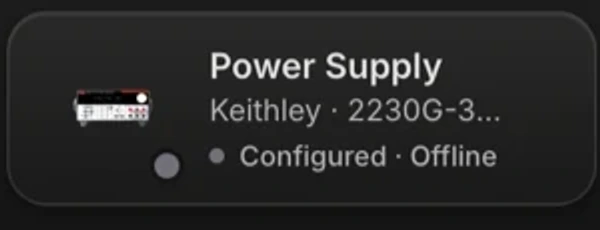
| Status | Meaning | Can you build? Can you run? |
|---|---|---|
| Not configured | No manufacturer or model yet. | No. The agent will not build with it. |
| Configured · Offline | Identity is set, no successful connection test. | Build yes. Run no. |
| Testing… | A connection test is in flight. | — |
| Connected | The instrument answered. | Build yes. Run yes. |
| Connection failed | The address did not answer. | Build yes. Run no. See troubleshooting. |
Letting the agent set up the bench
You can describe your bench in words and let the agent propose it. It searches the catalog and posts a proposal card with up to six changes. Nothing is applied until you confirm, and the proposal is all or nothing.
My bench is a Keysight E36313A supply, a Keithley DMM6500, and a Tektronix MSO44. Set that up.
You still have to supply the VISA addresses. Those are specific to your machine and no catalog can know them.
Building before the hardware arrives
Configure the models you expect, leave them offline, and build the whole test. Simulate it, review the sequence, generate the plan, wire the schematic. When the instruments land, fill in the addresses and run. Nothing about the workflow needs to change.
If your instrument is not in the catalog
The catalog has a Request instrument action for exactly this, under the card grid. You can also just ask in chat: the agent can flag the gap, and either way the request reaches us with the type, manufacturer, and model attached. Meanwhile, two things usually work: a model from the same family often shares the command set, and a Serial instrument covers anything with a text command interface.