The builder
Layout and revisions
Arranging the builder for the job in front of you, and getting back a version you preferred.
Panes and splits
The default: chat on the left, one artifact on the right. Drag the divider to rebalance. The toolbar deliberately does not move while you drag.
Undoing a turn
Each agent turn snapshots the workflow before it changes anything, so a turn can be reverted as a unit. This is the right tool for “that edit made it worse”, because it puts back exactly the state you had, rather than asking the agent to undo its own work.
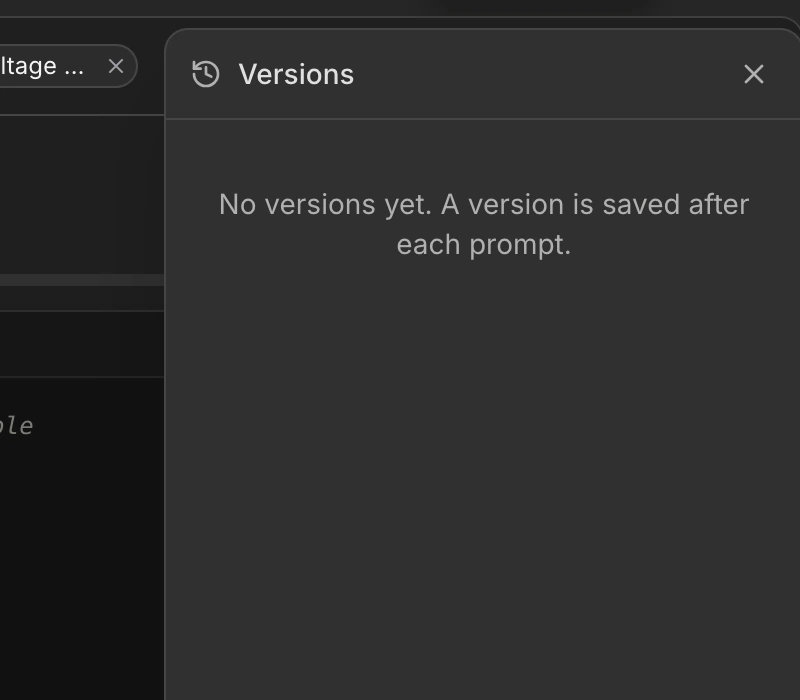
Revision history
- 1
Open History
The clock icon in the toolbar. Revisions are newest first. - 2
Preview one
Click a revision and the panes show that version. A banner tells you that you are looking at history. - 3
Restore or go back
Restore makes it current, or go back to latest and nothing changes.
Autosave
There is no save button. The state beside the project name tells you where autosave is up to. Renaming, starring, and moving a project to a folder all happen from the project menu on that same name.
See also