Projects & account
Sharing and templates
Getting a validated test out of your head and into the rest of the lab, and starting from someone else's work instead of an empty canvas.
Sharing a project
Share in the toolbar. Two routes, for two different situations.
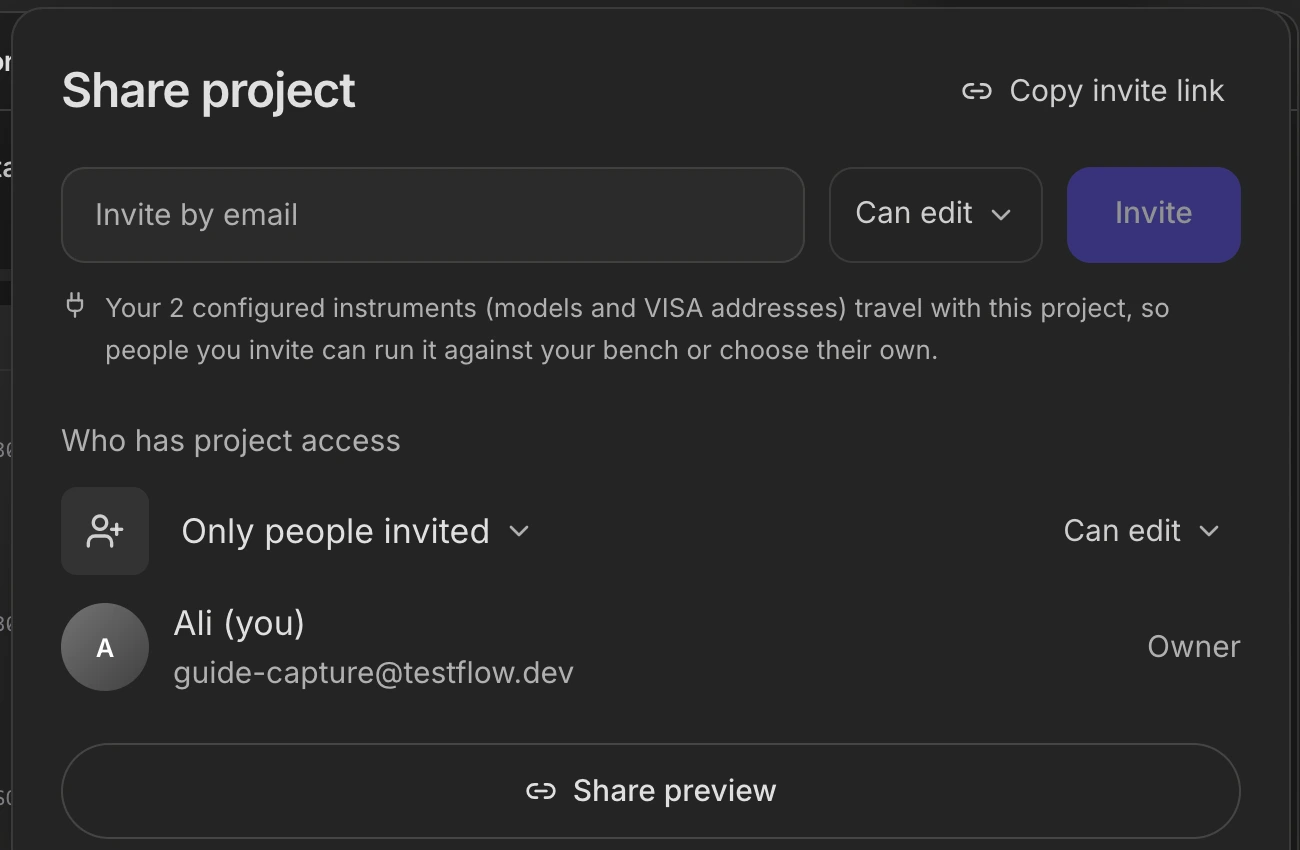
| Route | Who gets in | Use it for |
|---|---|---|
| Invite by email | Only the people you name. | A colleague who will work on it with you. |
| Copy invite link | Anyone holding the link, if you set it to that. | A read-only look for a reviewer, a manager, or a customer. |
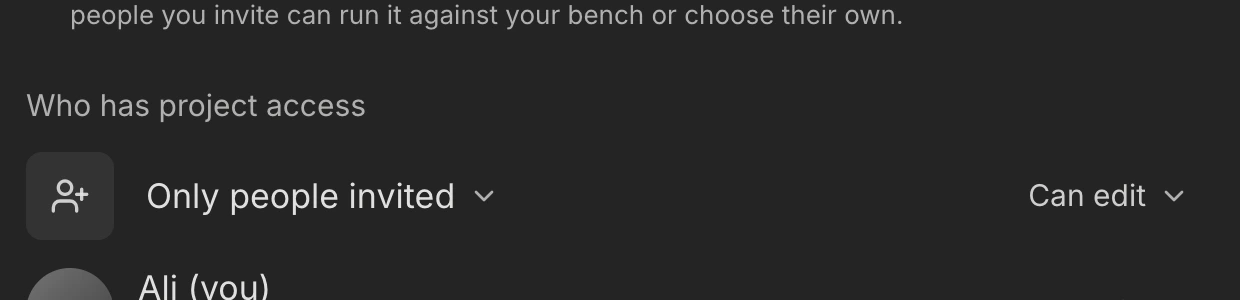
- The access setting is explicit: only invited people, or anyone with the link.
- An invitation can be revoked, and revoking takes effect immediately.
- Opening a share link needs a TestFlow account. The link grants access to that project; it is not a public, sign-in-free page, so treat “anyone with the link” as “anyone with the link and an account”.
- Once claimed, the project appears in the recipient's Shared with me, and the owner is notified that the share was accepted.
Templates
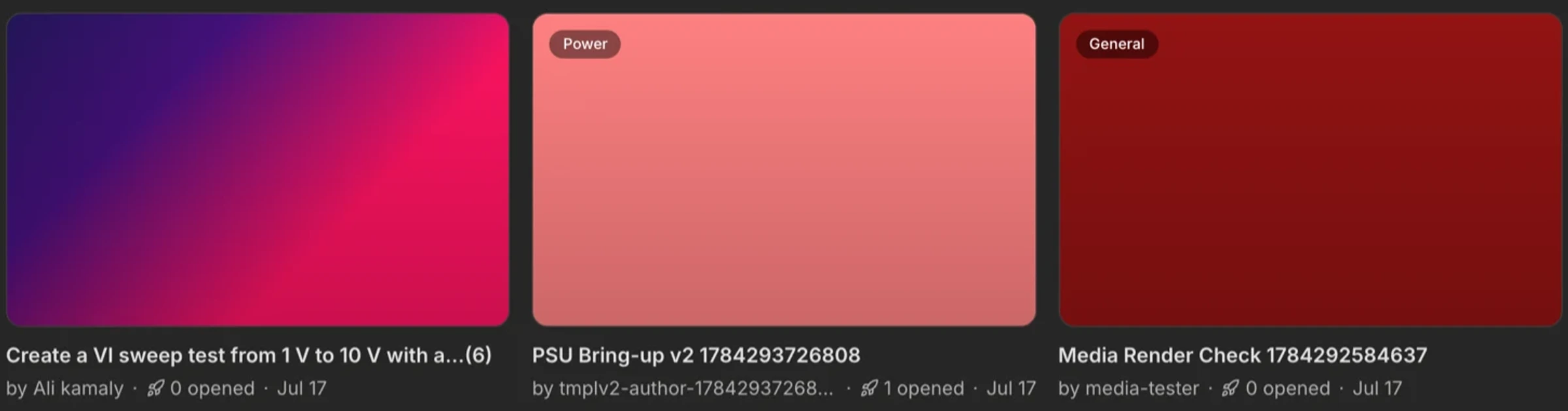
Publish a project to the community gallery and it becomes a starting point for other engineers. Publishing is draft-first, so nothing goes public by accident, and each author gets a page collecting their published work.

- 1
Open Resources
From the sidebar. Browse or search the gallery. - 2
Read the template
Its own page shows what it does, which instruments it assumes, and who wrote it. - 3
Start from it
You get your own copy. Swap in your instruments and your limits.
Referrals
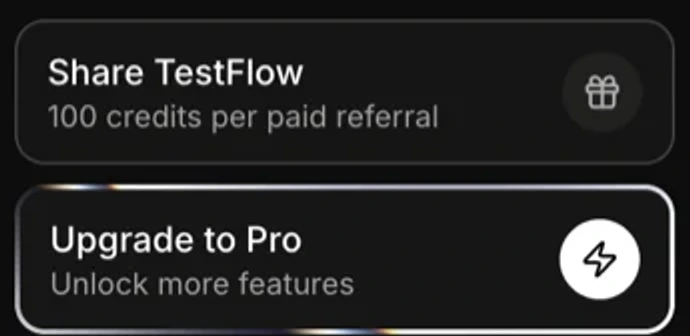
Your invite link is in the sidebar. Credits land automatically when someone you invited converts to a paid plan.
See also