Help
Troubleshooting
The failures engineers actually hit, in the order they hit them, with the fix rather than a description of the symptom.
An instrument will not connect
| Symptom | Cause | Fix |
|---|---|---|
| Scan finds nothing at all | No vendor VISA runtime installed. | Install Keysight IO Libraries Suite or NI-VISA. This is the layer that enumerates instruments and TestFlow cannot ship it for you. |
| Scan finds the instrument, connection test fails | Another program has the session. | Close the vendor’s bench software. Most instruments allow one session at a time. |
| Connects then times out on every query | Wrong protocol, or the instrument is in local lockout. | For LAN, check socket versus INSTR in the programming guide. Take the instrument out of local mode. |
| Worked yesterday, fails today | DHCP moved a LAN instrument, or a USB serial changed. | Rescan and update the address. Give LAN instruments a static address or a reserved lease. |
| Test connection does nothing in the browser | Not a fault. | The VISA layer is in the desktop app. The browser offers the download instead. |
The agent built the wrong thing
| Symptom | Cause | Fix |
|---|---|---|
| It used the wrong instrument | Two instruments could match the role you named. | Name the model, not the role. “The E36313A”, not “the source”. |
| It measured nothing | No configured instrument could take the measurement. | Add the measurement instrument to your bench, then ask again. It builds stimulus-only rather than inventing a meter. |
| A correction rewrote the whole test | The turn was unscoped. | Select the steps it should touch and use edit scope. |
| It keeps editing my workflow when I want documentation | The target chip is on Build. | Lock it to Plan. |
| It wrote a document when I asked for pass/fail | The request read as prose about the test. | Ask for limits, columns, or tolerances explicitly. Those words route to the Report. |
| It said it cannot do something you know it can | The target chip is locked. | The chip shows a one-click Switch to Build. |
A run failed
Start by reading which of the five statuses you got, because they mean different things.
| Status | What to do first |
|---|---|
| failed | Nothing is broken. A reading was outside its band. Open the Report and look at which column and which iteration. |
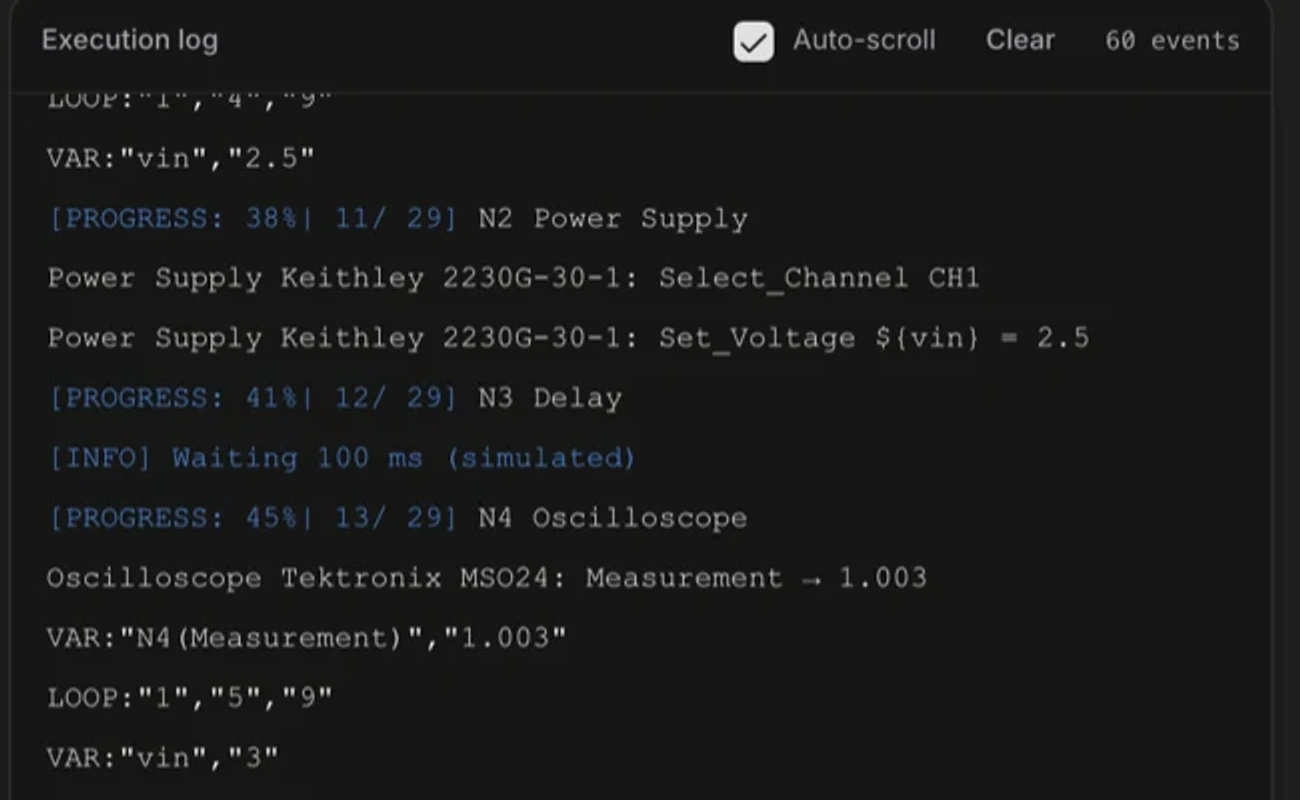
| error | Read the log. An instrument, a connection, or the generated code failed. The full log is in Output/, and the view is truncated. |
| unknown | The run ended without reporting. Usually a crash or a killed process. The log is the only source. |
| stopped | You stopped it. |
| No outcome available | The workflow changed since that run, or the run happened in a browser tab that is now closed. Run it again. |
Measurements look wrong
- 1
Check the settle time first
A reading taken before the rail settles measures the transient. This is the single most common cause of a good part looking bad. Add or lengthen the delay before the measurement. - 2
Check the measurement function
AC and DC are different measurements. So are peak-to-peak and RMS. Open the step and read the action. - 3
Check the wiring against the schematic
A correct sequence measures the wrong node perfectly if the probe is on the wrong pin. - 4
Check the limit, not just the reading
A limit with a missing tolerance produces no verdict rather than a failure. If a run has fewer verdicts than measurements, that is why. - 5
Check the ranging
An autoranging meter mid-sweep can be slower than your delay. Fix the range in the instrument step if the readings are noisy at range boundaries.
Generated code problems
| Symptom | Cause | Fix |
|---|---|---|
| A driver approval prompt keeps appearing | The workflow’s structure changed. | Expected. Approval is keyed to structure so a real change re-prompts. Retuning a value does not. |
| Code did not regenerate after an edit | You changed a value, not the structure. | Correct behaviour. The codegen path only re-runs when the shape of the test changes. |
| The generated driver looks wrong | It is generated, and you are the reviewer. | Do not approve it. Say what is wrong in chat and it will be rewritten. |
| The package will not run outside TestFlow | Missing dependencies. | Install Script/requirements.txt and run run_workflow.py from the package root. |
Still stuck
Tell us, with the project id from the project menu. That id lets us look at the exact workflow rather than at a description of it.