 Watch insteadHow AI Automates Post-Silicon Validation in the Lab | TestFlow3:08
Getting started
How it works
The full path a test takes through TestFlow, and which parts are decided by a model and which parts are decided by code.
Worth understanding before you rely on it, because the answer to “can I trust this output?” is different at each stage. Some of this pipeline is a language model. Most of it is not.
Stage 1: your bench becomes a constraint
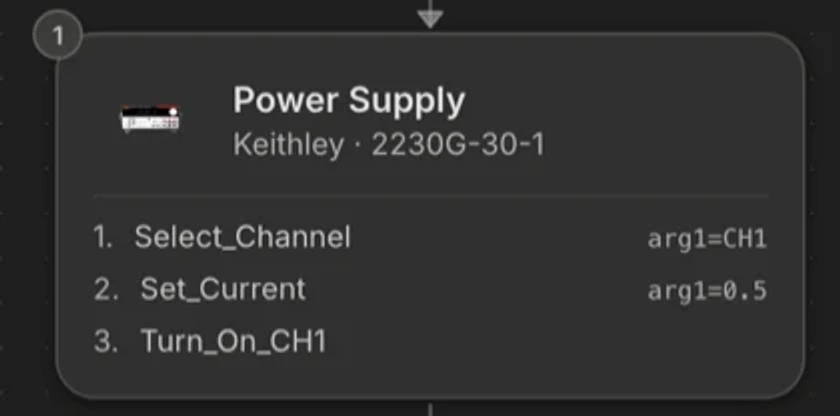
When you configure an instrument, TestFlow loads that model's action catalog: the list of operations it supports, each with the real SCPI command behind it. The agent is handed the catalog for your configured instruments and validated against it.
This is enforced in code, not requested in a prompt. If the agent emits an action title that is not in your instruments' catalogs, the edit is rejected and the true list is returned so it can correct itself inside the same turn. That is why TestFlow does not hallucinate SCPI for your scope.

Stage 2: the agent writes the workflow
The agent is a tool-using model. It does not reply with code. It calls a small set of operations, each of which is validated server-side before anything reaches your screen: build or patch the workflow, write a document, wire the schematic, shape the report, look up an instrument's actions, propose a bench change, start a run, read a run log.
Workflow edits are patches, not rewrites. Asking for a longer settle time changes the delay step and leaves everything else byte-identical, which is what makes it safe to iterate on a sequence you have already validated.
Stage 3: the workflow becomes Python
Two different mechanisms, chosen by what is on your bench.
All-SCPI bench
Every instrument has a command catalog
- Compiled by a deterministic emitter. Zero AI calls.
- Instant, free, and byte-identical for the same workflow.
- This is the common case, and it holds even if an AI-written driver is already stored.
Bench with a special instrument
A modular switch, a vehicle-bus card, anything with no SCPI catalog
- A second agent writes a driver module for that instrument.
- Its output is parsed, checked against the runtime API, and checked for hard-coded addresses before it is accepted.
- Invalid output is sent back for one repair attempt, then falls back to the compiler.
Either way you end up with one package in the same shape, and you can read every line of it in the Code pane.
Stage 4: the run
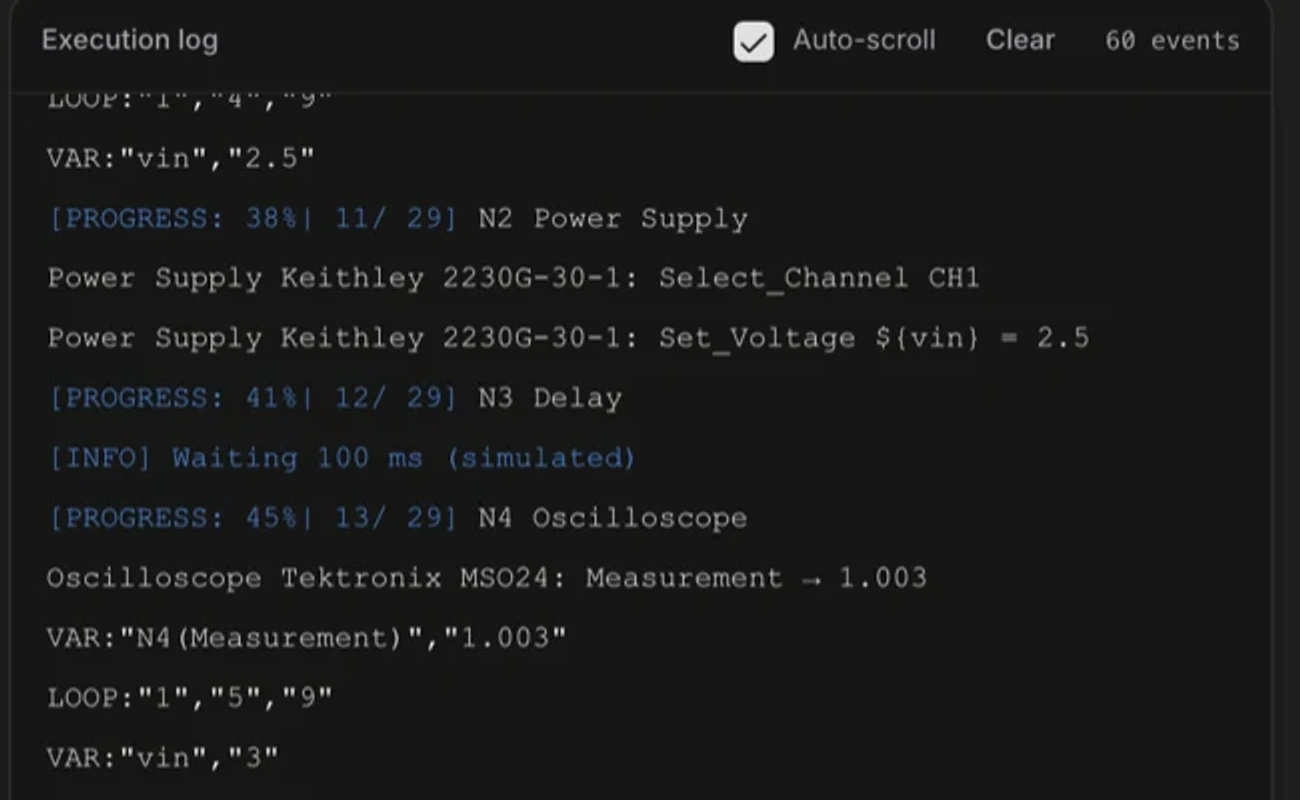
A bench run happens on your machine, in the desktop app, over VISA. TestFlow does not proxy instrument traffic through a server. The package writes measured rows to a CSV as it goes, evaluates each reading against its limit at record time, and prints one machine-readable outcome line at the end.
That outcome line is the only thing the product treats as the result of a run. A run that ends without one is unknown, and unknown is not a pass.
Stage 5: the outcome comes back
The agent receives the outcome of the last run: status, how many rows were written, which columns, which limits failed, which instruments failed. What it does next is decided by policy, not by the model:
| Outcome | What happens | Why |
|---|---|---|
| Passed | Reports the result and stops. | Nothing to repair. |
| A limit failed | Reports it as a result. Never re-runs, never edits the test. | The test worked and the part is out of spec. Re-running cannot change the reading, and editing the limit until it passes is fabricating a pass. |
| An instrument failed | Asks you. | Re-running does not reconnect a cable. |
| Error, or no outcome at all | Retries, up to three attempts. | This is the software’s problem, and this is what the loop is for. |
| You pressed stop | Reports and stops. | You said stop. |