Projects & account
Projects and search
Every chat is a project. Here is how to keep a few hundred of them findable.
A project is one workflow plus everything around it: the conversation, the plan, the schematic, the report, the generated code, and the revision history. It autosaves from the first message, so there is nothing to create and nothing to save.

The sidebar
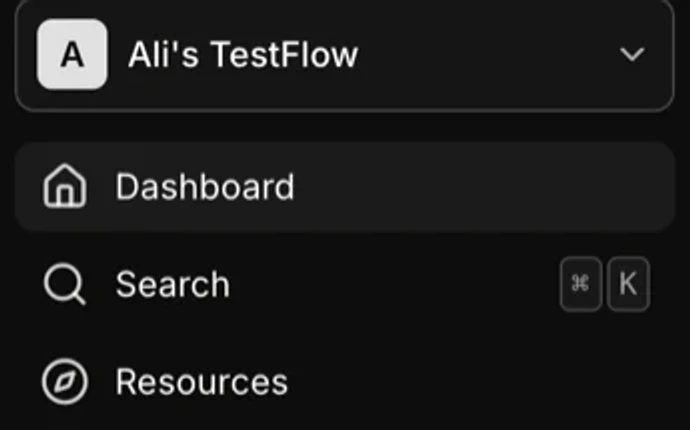
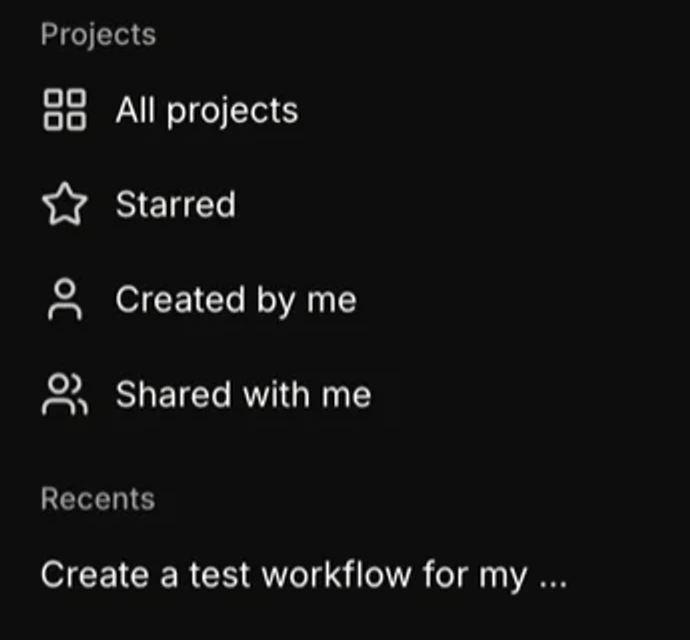
| Item | What it holds | Notes |
|---|---|---|
| Dashboard | The new-project box and your recent work. | The home you land on. |
| Search | A command palette over all your projects. | ⌘K or Ctrl+K from anywhere. Arrow keys move, Enter opens. |
| Resources | The community template gallery. | See sharing and templates. |
| Recents | The last projects you opened. | Ordered by when you last viewed them, not when you created them. |
| All projects | Everything you can see. | |
| Starred | The ones you starred. | Star from the project menu on the project name. |
| Created by me | Projects you authored. | The filter that matters once a team is sharing work. |
| Shared with me | Projects someone invited you to. | |
| Inbox | Notifications. | Invitations and workspace events. |

The project menu
Click the project name in the builder toolbar. Everything about the project itself lives there.
- Rename
- Inline. The name is what search matches on, so it is worth being specific.
- Star
- Puts it in Starred.
- Move to folder
- Create a folder or pick an existing one. A project sits in at most one folder.
- Remix
- A full independent copy. The right move before an experiment you might not keep.
- Delete
- Confirmed, and permanent.
- Appearance
- Light, dark, or follow the system.
- Project ID
- The identifier, copyable. Useful in a bug report.

Naming that survives
Search matches names. A workspace full of “Untitled” and “VI sweep” is unsearchable by month three. Put the part and the test in the name: LT8640S line regulation, PMIC-B startup 85C, Rev C ripple sweep.
Folders versus stars versus remixes
| Use | For | Because |
|---|---|---|
| Folder | A part, a project, a campaign. | Durable grouping. One folder per DUT works well. |
| Star | What you are working on this week. | Temporary. Unstar when you move on. |
| Remix | A variant: another corner, another revision, an experiment. | You get an independent copy and the original stays validated. |