 Ali Kamaly
DAQ970A Programming Guide: LabVIEW Driver, SCPI, and No-Code Automation
DAQ970A programming guide: LabVIEW driver, SCPI commands, and a no-code path. Automate the DAQ970A with TestFlow straight from the datasheet.
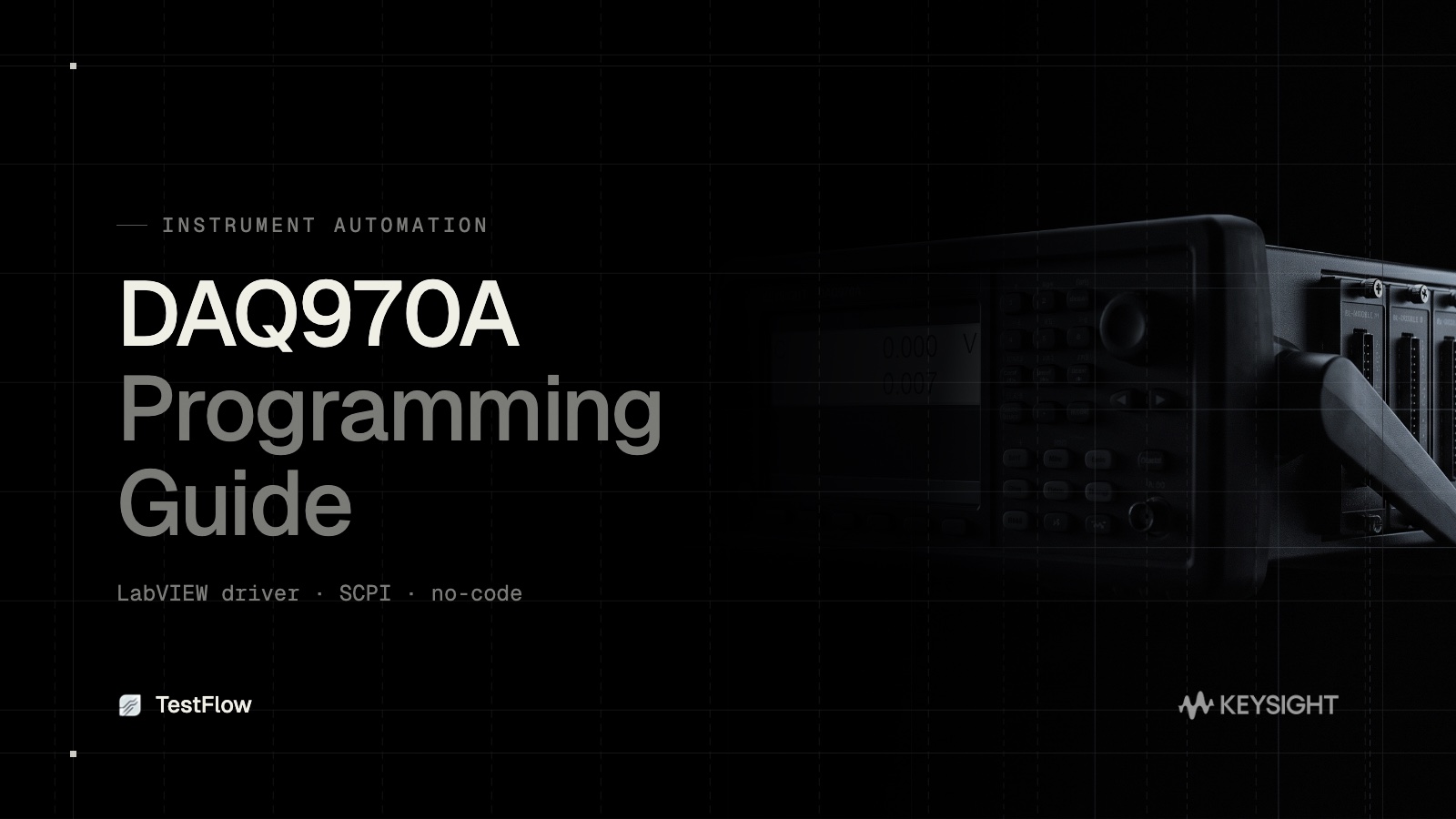
The Keysight DAQ970A is a workhorse switch and measure unit, and getting it under software control is the first thing most engineers want. This DAQ970A programming guide covers the three paths: the LabVIEW driver, raw SCPI from the programming manual, and a no-code route. It also shows how TestFlow automates the DAQ970A directly from its datasheet.
Path 1: the DAQ970A LabVIEW driver
If your environment is LabVIEW, Keysight provides a DAQ970A LabVIEW driver. You install the driver, drop the instrument VIs into your block diagram, and wire up channel configuration, scanning, and data read. It works well inside LabVIEW, but it carries LabVIEW's costs: seat licensing, a graphical program to maintain, and the tendency for the VI to become one engineer's tribal knowledge.
Path 2: SCPI from the programming manual
The DAQ970A programming manual documents the SCPI command set. The common sequence is:
- •
*RSTto reset to a known state. - •
CONF:VOLT:DC (@101:110)to configure DC voltage on channels 101 to 110. - •
CONF:TEMP TC,K,(@201:205)to configure type-K thermocouples on a channel block. - •
ROUT:SCAN (@101:110,201:205)to define the scan list. - •
TRIG:SOUR TIMandTRIG:TIM 1to scan on a one-second timer. - •
INITthenFETC?to run the scan and fetch results.
This is flexible and free, and it is also a script you write, debug, and maintain per setup.
Path 3: no-code automation
The third path skips both the LabVIEW driver and hand-written SCPI. You describe the channels and the scan you want, and a tool generates and runs the instrument commands. This is where TestFlow fits.
Automating the DAQ970A with TestFlow
TestFlow turns the DAQ970A datasheet into a working acquisition workflow.
- •Datasheet to scan plan. Upload the DAQ970A datasheet and TestFlow builds the channel configuration and scan sequence.
- •No driver, no SCPI by hand. TestFlow generates and runs the commands, so you skip both the LabVIEW VI and the script maintenance.
- •Vendor-neutral. Drive the DAQ970A alongside a non-Keysight DMM, supply, or scope in one workflow.
- •Repeatable and shareable. The scan runs identically on any machine and can be shared across a team.
- •Open execution. Runs use the TestFlow desktop runner.
Pick the path that fits
Use the LabVIEW driver if you are committed to LabVIEW. Use SCPI if you need low-level control and will maintain the script. Use TestFlow when you want the DAQ970A automated from its datasheet without writing or maintaining either.
The same three-path choice applies across the bench. For the fundamentals, see instrument control with VISA and SCPI; for the wider category, the data acquisition system guide; and for the software comparison, Keysight data logger software and its limits.
Frequently asked questions
Is there a LabVIEW driver for the DAQ970A? Yes. Keysight provides a DAQ970A LabVIEW driver with instrument VIs for channel configuration, scanning, and data read. It works inside LabVIEW but carries LabVIEW's seat licensing and maintenance costs. See the LabVIEW alternatives if that cost is the issue.
How do I program the DAQ970A with SCPI? Over a VISA connection, using the SCPI command set in the programming manual: reset, configure channels, define a scan list, set the trigger, then initiate and fetch results.
Can I automate the DAQ970A without LabVIEW or SCPI? Yes. An AI-native platform like TestFlow builds the channel configuration and scan sequence from the datasheet and runs it for you, with no LabVIEW VI and no hand-written SCPI.
Start free at app.testflowinc.com, upload your DAQ970A datasheet, and get an automated scan workflow in minutes.
Ready to automate your lab?
Connect your instruments, describe a test in plain English, and TestFlow builds and runs it in minutes.
Tags
Put it on your bench this week
A new way for testing, from specs to automated sequences, capture clean data, and accelerate your validation cycle.