
Back to blog
Ali KamalyAli Kamaly
May 31, 2026
7 min read
Instrument Automation

LabVIEW vs Python for Test Automation: Which Should You Use?

One is a mature, graphical, vendor-backed environment. The other is a free, text-based language with a massive ecosystem. Here is when to use each, and a faster third option.

LabVIEW vs Python for test automation, with TestFlow as an AI-native third option

LabVIEW vs Python is the most common decision in modern test automation. One is a mature, graphical, vendor-backed environment. The other is a free, text-based language with a massive ecosystem. The right answer depends on your team, your hardware, and how long the code has to live.

The short answer

  • Choose LabVIEW if your lab is already standardized on NI hardware, your engineers know G, and you value an integrated GUI and driver story over flexibility.
  • Choose Python if you want free tooling, real version control, easy hiring, and freedom from one vendor, and you are willing to build more yourself.
  • Consider a third option (AI-native, below) if you want the openness of code without writing every line.

LabVIEW vs Python, head to head

FactorLabVIEWPython
CostSubscription per seatFree
LanguageGraphical (G)Text
Instrument controlNI-VISA, strong NI driverspyVISA, PyMeasure, vendor libs
DAQNative NI-DAQmxNI-DAQmx Python API, others
GUIBuilt inBuild with PyQt, Dash, etc.
Version control and reviewHardNative (git, diffs)
Hiring poolSmallLarge
MaintenanceTribal knowledgeStandard software practices

Instrument control: LabVIEW vs Python

LabVIEW's strength is its driver ecosystem. NI-VISA and the NI instrument driver network make connecting NI hardware fast.

Python closes the gap with pyVISA (VISA, SCPI, GPIB), PyMeasure, and the official nidaqmx package for Python DAQ work. For most measurement tasks you can do data acquisition with Python today without LabVIEW. The tradeoff is that you assemble the pieces yourself. See DAQ with Python for a worked example.

Maintainability: the real long-term cost

This is where Python pulls ahead for many teams. LabVIEW VIs are hard to diff and review, so knowledge concentrates in a few engineers. A Python codebase lives in git, gets reviewed like any software, and survives staff turnover. If your test code has to last years, maintainability often matters more than initial speed.
Where a LabVIEW script ends and a platform begins

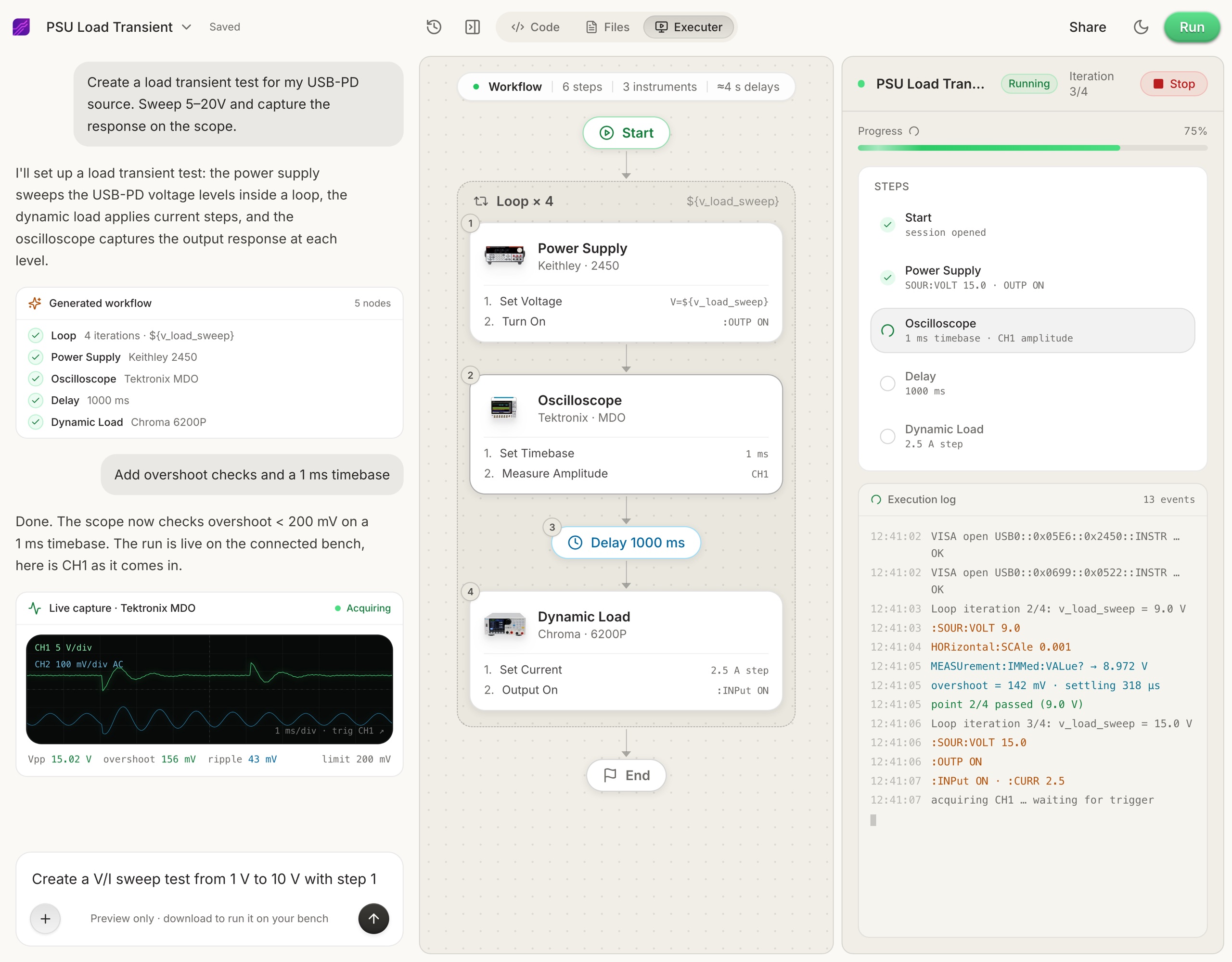
Whether you write a LabVIEW script or a Python script, you still own the whole stack: connection logic, sequencing, error handling, reporting. That is the hidden work in both options. This is the gap TestFlow targets. Instead of choosing between LabVIEW and Python, you drive your bench with an AI agent:

  1. 1

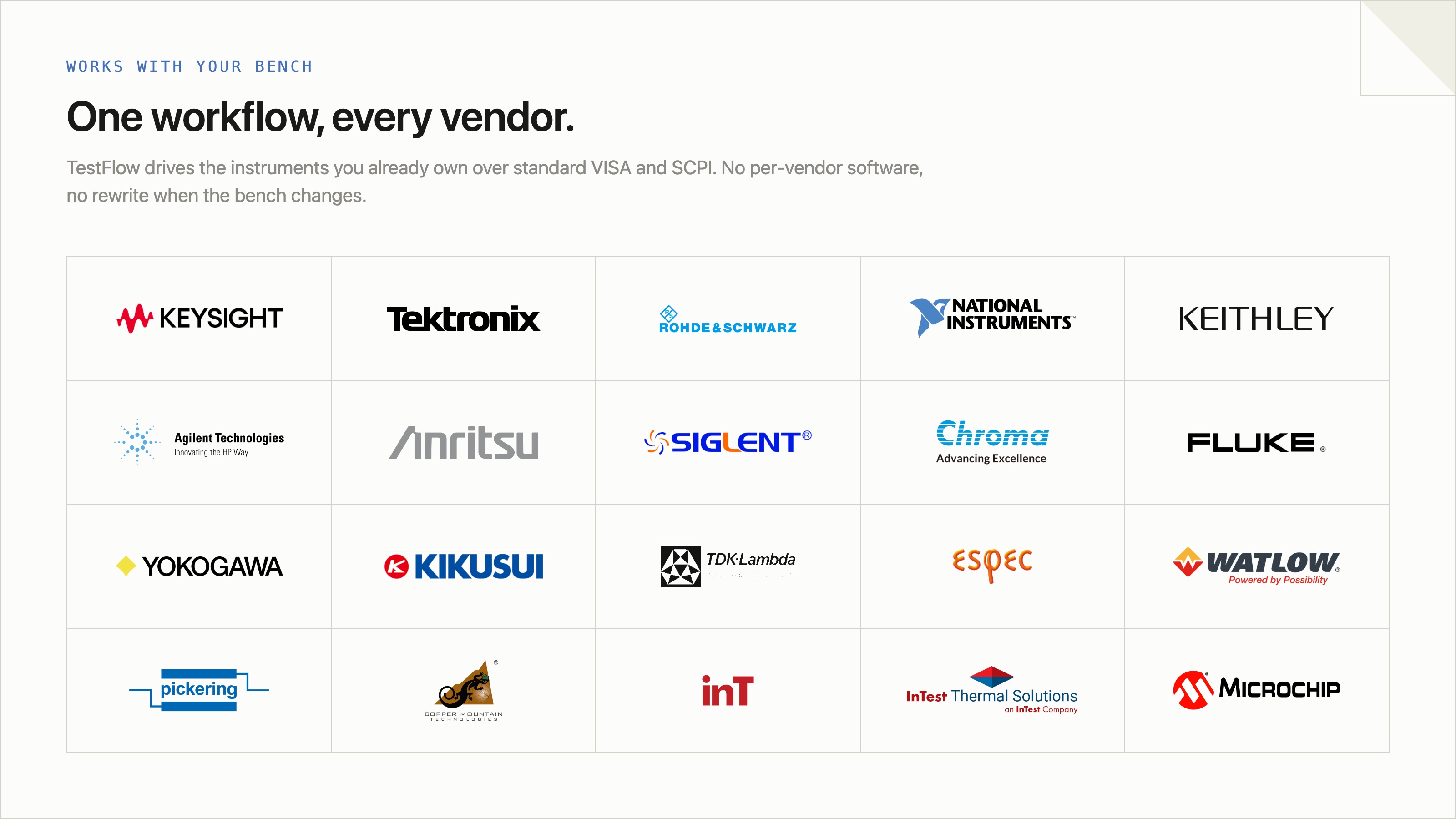
    Connect your instruments. TestFlow works with any instrument from any vendor, so there is no NI hardware requirement.

  2. 2

    Tell the agent what to test in plain English, for example "run a VI sweep from 1 to 10 V in 1 V steps at 0.5 A load current."

  3. 3

    TestFlow generates the complete automation scripts and workflow in seconds.

  4. 4

    Run it in your lab.

You keep the openness of code without writing every line. The free version lets you compare it directly against your current LabVIEW or Python workflow.

So, LabVIEW or Python?

  • New project, no NI lock-in: start with Python.
  • Heavy NI hardware investment, G expertise on staff: LabVIEW can still be the pragmatic choice.
  • Want to move faster than either, with an AI agent doing the build: try the AI-native path.

Frequently asked questions

Is Python replacing LabVIEW?

For new test automation projects, Python is increasingly the default. LabVIEW remains common where NI hardware and G expertise are entrenched.

Can Python do data acquisition like LabVIEW?

Yes. With nidaqmx and pyVISA, Python handles most DAQ and instrument-control tasks. See DAQ with Python.

Is Python or LabVIEW easier to learn?

Python has a larger learning base and is text-based, so most new engineers ramp faster than on LabVIEW's graphical G.

Faster than either option

Connect your instruments, describe a test in plain English, and TestFlow writes and runs the automation in minutes.

Tags

labview vs pythonpython instrument controlpython daqlabview test automationdata acquisitiontest automation
Share this article:
Ali Kamaly

Article by

Ali Kamaly

Ali Kamaly is the Co-Founder and CEO of TestFlow, an AI-native platform for electronics test automation. He writes about test automation, lab validation, and the infrastructure behind modern hardware engineering.

TestFlow 2.0 is live now.Request your access.

Experience the next generation of hardware validation. Run automated test sequences, capture clean data, and accelerate your time-to-market.

Automate Your Lab Testing For Free