 Ali Kamaly
Multimeter Software for Logging and Automation (34461A / 34465A)
The best multimeter software for logging and automation on the Keysight 34461A and 34465A, plus how TestFlow scripts measurements without code.
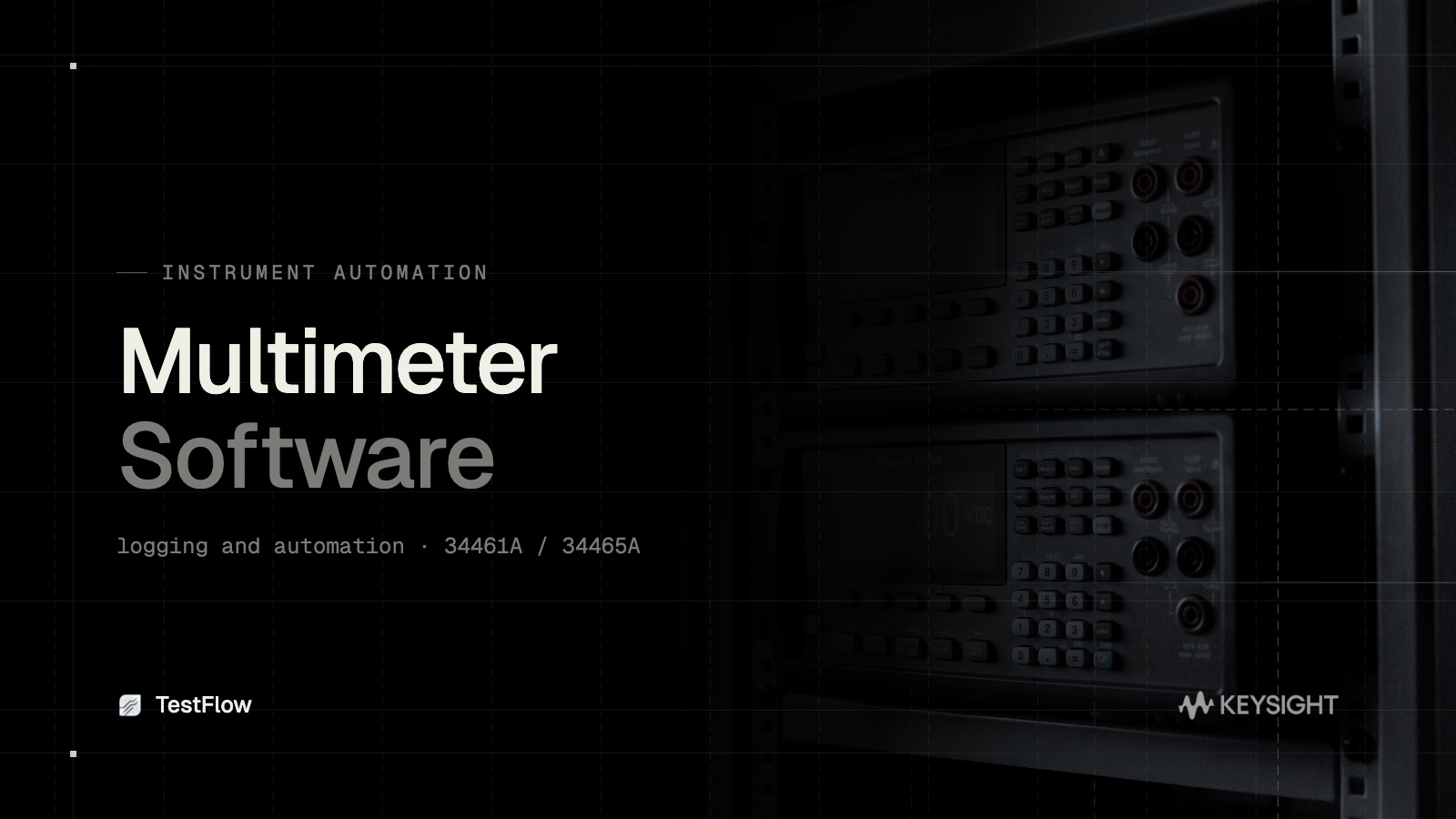
A bench digital multimeter is far more capable when it is driven by software instead of the front panel. Multimeter software lets you log readings over time, automate measurement sequences, and export clean data for analysis. This guide covers your options for multimeter software, with a focus on the Keysight 34461A and 34465A, and shows how TestFlow automates DMM measurements without writing code.
What multimeter software is for
A digital multimeter on its own gives you one reading at a time on its display. Multimeter software adds the things a real test needs:
- •Data logging: capture readings over minutes, hours, or days with timestamps.
- •Automation: step through ranges, functions, and channels without touching the front panel.
- •Trend and statistics: min, max, average, and standard deviation over a run.
- •Export: CSV or Excel for analysis and reporting.
The options for the 34461A and 34465A
The Keysight 34461A and 34465A are common 6.5-digit bench DMMs, and you have a few software paths:
- •Keysight BenchVue DMM app: code-free control and logging, free for basic use, with advanced logging behind a paid license. Single-vendor.
- •Hand-written SCPI or PyVISA: full control if you write and maintain the script. Fragile, and specific to one setup.
- •Keysight IO Libraries plus your own code: the low-level path, powerful but all on you.
- •TestFlow: code-free automation that is vendor-neutral and datasheet-driven.
The catch with the usual options
BenchVue is quick but locks you to Keysight and gates real logging behind a license. Hand-written scripts work until a firmware update or a small hardware change breaks them, and then someone spends an afternoon debugging SCPI. Neither path shares cleanly across a team.
Automating the DMM with TestFlow
TestFlow drives the 34461A, the 34465A, and DMMs from other vendors as part of a single automated workflow.
- •Datasheet to measurement plan. Upload the 34461A or 34465A datasheet and TestFlow builds the measurement sequence and logging setup for you.
- •No SCPI by hand. TestFlow generates and runs the instrument commands, so you do not maintain fragile scripts.
- •Vendor-neutral. The same workflow can include a non-Keysight supply or scope alongside your DMM.
- •Repeatable and shareable. The logging run is defined once and runs the same way on any machine, with results exported to a clean report.
From one reading to a logged, automated run
If you are using the front panel or babysitting a script to log your 34461A or 34465A, you can replace both with a workflow that runs itself.
Start free at app.testflowinc.com, upload your DMM datasheet, and turn your 34461A or 34465A into an automated logging instrument in minutes.
Ready to automate your lab?
Connect your instruments, describe a test in plain English, and TestFlow builds and runs it in minutes.
Tags
Put it on your bench this week
A new way for testing, from specs to automated sequences, capture clean data, and accelerate your validation cycle.