 Ali Kamaly
Keysight 34972A Datasheet and Programming: Spec-to-Test Quick Guide
Keysight 34972A datasheet, manual, and software in one quick guide, plus how TestFlow turns 34972A specs into an automated data-logging run.
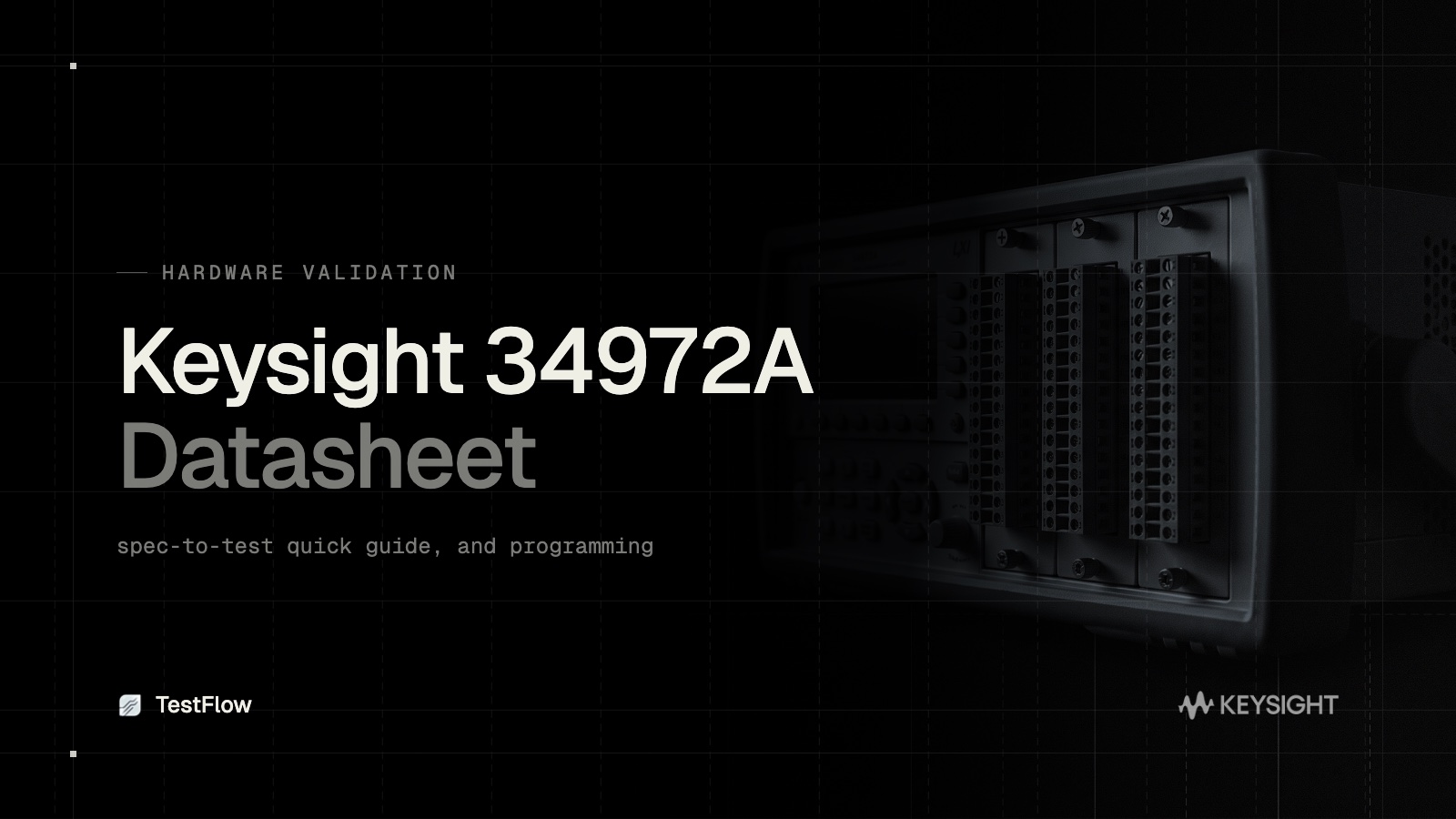
The Keysight 34972A is a LXI data acquisition and switch unit, the LAN-enabled successor to the 34970A. Engineers reach for the 34972A datasheet, the manual, and the software when setting up multi-channel logging. This quick guide covers the specs that matter, the programming basics, and how TestFlow turns the 34972A datasheet into an automated data-logging run.
What the 34972A is
The 34972A is a switch and measure mainframe with three plug-in module slots and a built-in 6.5-digit DMM. It adds LAN and USB connectivity over the older 34970A, and it is a standard tool for temperature, voltage, and resistance logging across many channels.
34972A datasheet specs that matter
When planning a measurement, focus on:
- •DMM accuracy and resolution: the internal 6.5-digit DMM accuracy per function and range.
- •Channel count and module options: multiplexer cards set how many channels you can scan.
- •Scan rate: how fast it cycles through the scan list.
- •Sensor support: thermocouples, RTDs, and thermistors for temperature work.
- •Memory: how many readings it can buffer.
34972A programming basics
Over LAN or USB the 34972A uses the same SCPI family as the 34970A:
- •
CONF:TEMP TC,K,(@101:110)configures type-K thermocouples on a channel block. - •
ROUT:SCAN (@101:110)sets the scan list. - •
TRIG:SOUR TIMandTRIG:TIM 5scan on a timer. - •
INITthenFETC?runs the scan and fetches data.
The 34972A software, including the BenchVue DAQ app, offers code-free logging, with advanced features behind a license and tied to Keysight hardware.
From spec to running test, the slow way
Whether you use SCPI or the bundled software, you configure channels, set the scan, run, and export, per setup. Scripts are fragile and single-instrument, and the bundled software is single-vendor.
Automating the 34972A with TestFlow
TestFlow turns the datasheet into a logging workflow.
- •Datasheet to scan plan. Upload the 34972A datasheet and TestFlow builds the channel configuration and scan sequence.
- •No SCPI by hand and no single-vendor lock-in. TestFlow generates and runs the commands and can include non-Keysight instruments in the same run.
- •Repeatable and shareable. The logging workflow runs identically on any machine and can be shared across a team.
- •Open execution. Runs use the TestFlow runner.
One upload, one workflow
The 34972A is built for multi-channel logging. The setup work is what TestFlow generates for you, straight from the datasheet.
Start free at app.testflowinc.com, upload your 34972A datasheet, and get an automated data-logging workflow in minutes.
Ready to automate your lab?
Connect your instruments, describe a test in plain English, and TestFlow builds and runs it in minutes.
Tags
Put it on your bench this week
A new way for testing, from specs to automated sequences, capture clean data, and accelerate your validation cycle.