 Ali Kamaly
Keysight 34465A Manual: Quick Reference, SCPI, and Faster Automation
Keysight 34465A manual quick reference: key functions, SCPI basics, and how to automate the 34465A DMM with TestFlow instead of hand-writing scripts.
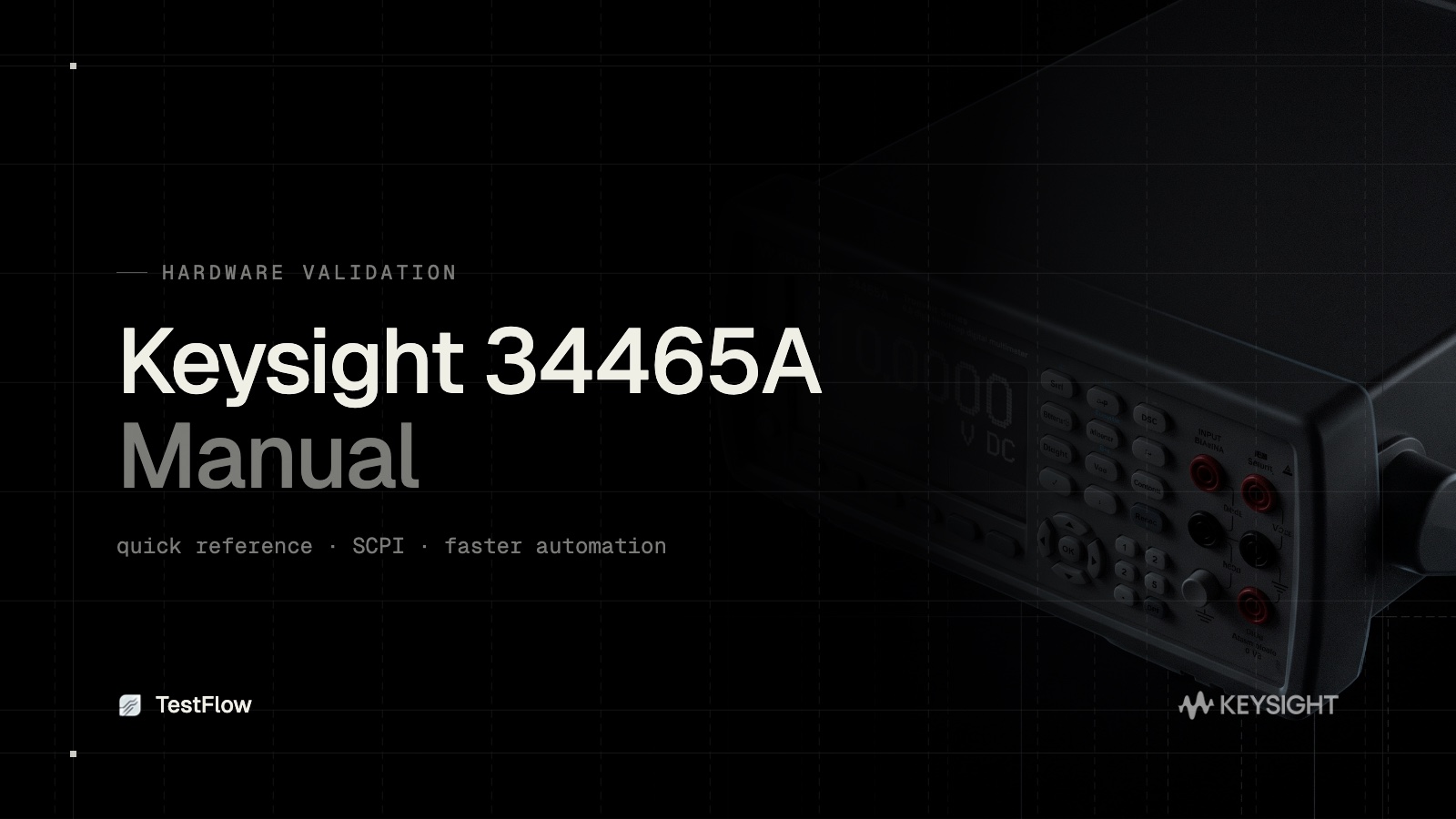
If you searched for the Keysight 34465A manual or the 34465A manual PDF, you are probably setting up the instrument, configuring a measurement, or trying to control it from a PC. This quick reference covers the key functions of the 34465A, the SCPI basics for remote control, and how TestFlow automates the 34465A so you spend less time in the manual and more time getting results.
What the Keysight 34465A is
The 34465A is a 6.5-digit Truevolt bench digital multimeter. It measures DC and AC voltage and current, two and four-wire resistance, frequency, capacitance, temperature, continuity, and diode test. It includes data logging and trend charting on the front panel, and it supports remote control over USB, LAN, and GPIB.
Quick reference: core functions
- •Measurement functions: press the function key for DCV, ACV, DCI, ACI, 2W or 4W resistance, frequency, capacitance, or temperature.
- •Range and resolution: auto range by default, or set a fixed range for faster, more repeatable readings.
- •Aperture and NPLC: higher integration time (NPLC) gives lower noise and better accuracy at the cost of speed.
- •Triggering: immediate, single, or external trigger, with configurable sample count and delay.
- •Data logging: the front panel can log readings with timestamps and show statistics.
For full detail, the official Keysight 34465A manual PDF on keysight.com is the authoritative reference. The points above are the ones you reach for most.
SCPI basics for the 34465A
To control the 34465A remotely you send SCPI commands. A few common ones:
- •
*IDN?returns the instrument identity, useful to confirm the connection. - •
CONF:VOLT:DC 10,0.001configures a DC voltage measurement with range and resolution. - •
SENS:VOLT:DC:NPLC 10sets integration time for lower noise. - •
READ?triggers a measurement and returns the reading. - •
SAMP:COUN 100sets the number of samples per trigger.
This works, but it means writing and maintaining a script for every test, and the script is specific to this instrument and pairing.
Faster automation with TestFlow
Instead of living in the manual and hand-writing SCPI, TestFlow automates the 34465A from its datasheet.
- •Datasheet to plan. Upload the 34465A datasheet and TestFlow builds the measurement sequence and logging setup.
- •No SCPI by hand. TestFlow generates and runs the commands, so you do not maintain fragile scripts.
- •Vendor-neutral. Combine the 34465A with a non-Keysight supply or scope in one workflow.
- •Repeatable and shareable. The run is defined once and behaves identically on any machine.
Related 34465A guides
This is the operating quick reference. Two companion guides cover the rest:
- •[Keysight 34465A datasheet](/blog/keysight-34465a-datasheet) for the specs that matter when you validate the instrument.
- •[Keysight 34465A SCPI commands](/blog/keysight-34465a-scpi-commands) for the full remote-control command reference.
Frequently asked questions
Where can I get the Keysight 34465A manual? The full user and programming manuals are on Keysight's site. This page is a quick reference for the core functions and SCPI basics, plus a faster way to automate the instrument.
How do I control the 34465A remotely? Over a VISA connection using SCPI commands, from LabVIEW, Python, or an AI-native platform. The SCPI commands reference covers the syntax.
What is the difference between the 34465A manual, datasheet, and SCPI reference? The manual covers setup and operation, the datasheet covers the specs you validate against, and the SCPI reference covers controlling the instrument from code.
Spend less time in the manual
The manual is essential for understanding the 34465A. It should not be where you spend an afternoon every time you need a repeatable measurement.
Start free at app.testflowinc.com, upload your 34465A datasheet, and get an automated measurement plan in minutes.
Ready to automate your lab?
Connect your instruments, describe a test in plain English, and TestFlow builds and runs it in minutes.
Tags
Put it on your bench this week
A new way for testing, from specs to automated sequences, capture clean data, and accelerate your validation cycle.